A landing page has one job: get a specific visitor to take a specific action. When landing pages underperform, the reasons are usually predictable. They try to do too much, they don’t match the ad that sent the visitor, or they bury the offer under vague copy and a long form.
The short version of landing page best practices is this: pick one goal, repeat the ad’s promise in the headline, make the offer obvious, back it with proof, ask for as little as possible, and load fast on a phone. Then test and improve with real data.
This guide is for founders and marketing leads running paid campaigns or lead generation. You’ll learn how a landing page differs from a homepage, how to structure one, what to put in the form, and the mistakes that quietly waste ad spend.
Landing page vs homepage
Your homepage serves everyone, so it has a full menu to send each visitor somewhere different. A landing page serves one audience arriving from one source, usually an ad, email, or social post, and asks them to do one thing. That difference changes almost every design decision.
| Homepage | Landing page | |
|---|---|---|
| Audience | Everyone who visits | One segment from one campaign |
| Goal | Orient and route visitors | One conversion (demo, quote, signup, purchase) |
| Navigation | Full menu | Minimal or none |
| Copy | Broad overview of the business | Specific to one offer and one problem |
| Success measure | Onward clicks and engagement | Conversion rate for that campaign |
Sending paid traffic to a homepage is one of the most common reasons campaigns disappoint. If your site already gets visits but few inquiries, our guide on why a website is not generating leads shows how to find where people drop off.
One page, one goal
Decide on the single action before you write a word. Book a demo, request a quote, start a free trial, or download a guide. Pick one.
Every element on the page should then support that action or come out. That usually means removing the main navigation, long footer link lists, and side offers like “read our blog.” Each extra link is another exit.
Repeating the same call to action on a long page is fine. What you want to avoid is two competing actions, such as “Book a call” next to “Download our brochure.” Visitors who can’t decide often do neither.
Match the message to the ad
Message match means the landing page continues the conversation the ad started. If the ad says “Same-day AC repair in Austin,” the headline should say nearly the same, not “Welcome to Smith Climate Solutions.”
Google builds this into how it rates ads. Its landing page experience guidance describes the measure as how relevant and useful your page is to people who click your ad, and recommends a page that is clear, useful, and related to the keyword and what people are searching for.
Message match covers more than the headline:
- The offer: if the ad promised a free audit, the page offers a free audit.
- The language: reuse words from the ad and the search term.
- The visuals: if the ad showed a product, show the same product.
- The audience: an ad aimed at dental clinics should land on a page written for dental clinics.
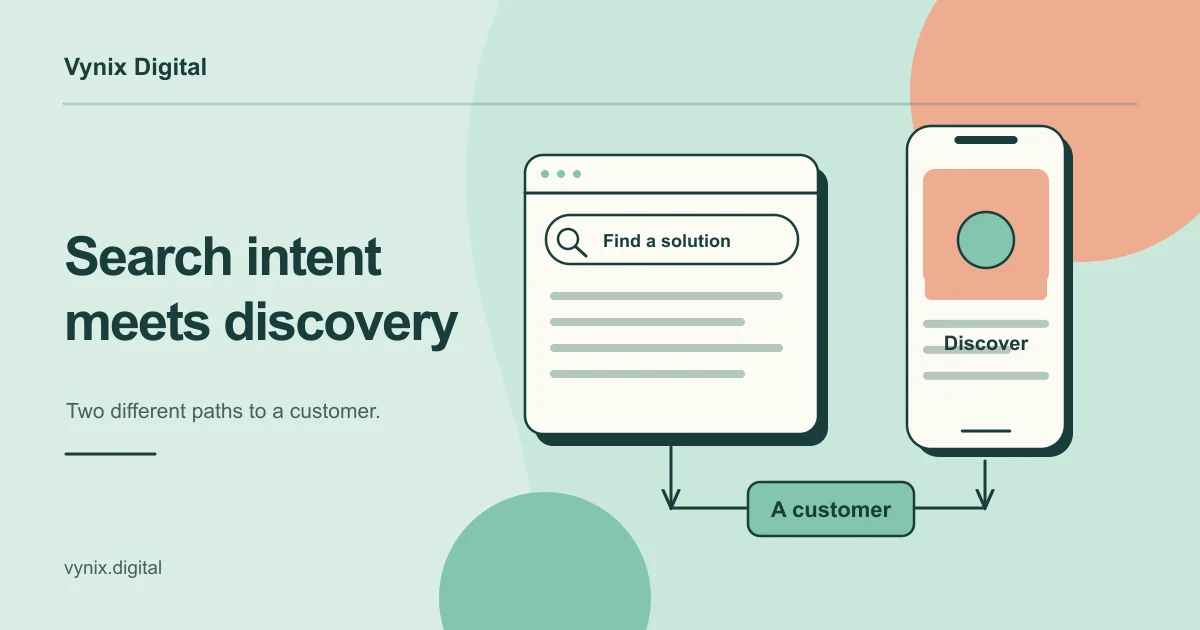
So one landing page per audience or offer usually beats one generic page. Click intent also differs by platform, as covered in Google Ads vs Meta Ads.
Write a headline and offer people get at a glance
The headline states what the visitor gets. The subheadline explains how, or for whom. Together they should make sense to someone who reads nothing else on the page.
Compare two headlines for a bookkeeping service:
- Weak: “Financial clarity for growing businesses”
- Stronger: “Monthly bookkeeping for US ecommerce stores, closed by the 10th”
The second names the service, the audience, and a concrete benefit.
Then make the offer worth acting on. “Contact us” is not an offer. “Get a fixed quote within two business days” gives people a reason to act now. Spell out what happens after they click, because uncertainty about the next step makes people hold back.
Landing page structure, top to bottom
A high converting landing page usually follows a similar order, because it mirrors the questions a visitor asks: what is this, is it for me, can I trust it, and what do I do next.
| Section | What it does | What to include |
|---|---|---|
| Hero | Confirms they’re in the right place | Headline matching the ad, subheadline, primary CTA, product image |
| Problem | Shows you understand their situation | Two to four sentences in the customer’s own words |
| Benefits | Explains what they get | Three to five outcomes, not a feature list |
| How it works | Removes uncertainty | Three or four simple steps from signup to result |
| Proof | Builds trust | Testimonials, client logos, third-party reviews, certifications |
| Objections | Answers doubts | Short FAQ on price, timing, contracts, data |
| Final CTA | Closes | The offer again, with the form or button |
Not every page needs every section. A free checklist download can be short, while a high-ticket B2B service needs more proof before anyone books a call. The bigger the commitment you ask for, the more the page has to answer first.
Keep the primary call to action visible near the top and repeat it after each major section. If the layout itself is the problem, a UI/UX design pass is often worth more than another round of copy edits.
Put proof next to the claims
Proof works best beside the claim it supports. A testimonial about fast turnaround belongs next to your turnaround promise, not in a carousel at the bottom.
Specific proof beats generic praise. A quote with a name, role, company, and a concrete outcome does far more than “Great team, would recommend.” Client logos, third-party review ratings, and compliance badges help too, as long as they are real and current. Short on testimonials? Use clear refund terms, a named founder, or a short video of the product working.
Forms: ask for less
Every field is a small cost to the visitor. The Nielsen Norman Group’s web form design guidelines start with “keep it short”: remove fields you can derive another way, collect later, or skip. NN/g reports cutting one of its own forms from six fields to two.
Practical rules for landing page forms:
- Ask only for what sales needs for the first conversation, often name, work email, and one qualifying question.
- Use a single column with labels above the fields, which NN/g recommends for mobile and shorter forms.
- Don’t use placeholder text as the label, since it disappears once people type.
- Show specific error messages and keep whatever the person already typed.
- Write button text that describes the result, such as “Get my quote.”
Need more information? Try a two-step form: easy questions first, details next.
Speed and mobile
A slow page loses visitors before they read the headline, and those are clicks you have already paid for. Google’s Core Web Vitals set clear targets: the largest content element should load within 2.5 seconds, the page should respond to interactions within 200 milliseconds, and layout shift should stay at 0.1 or below, all measured at the 75th percentile of visits.
The usual culprits are oversized hero images, background videos, heavy page builder themes, and too many tracking scripts. Our Core Web Vitals guide explains how to fix each one.
Design for the phone first. Check that the headline and button fit on the first screen, tap targets suit a thumb, form fields open the right keyboard, and no popup hides the offer.
Test, then improve
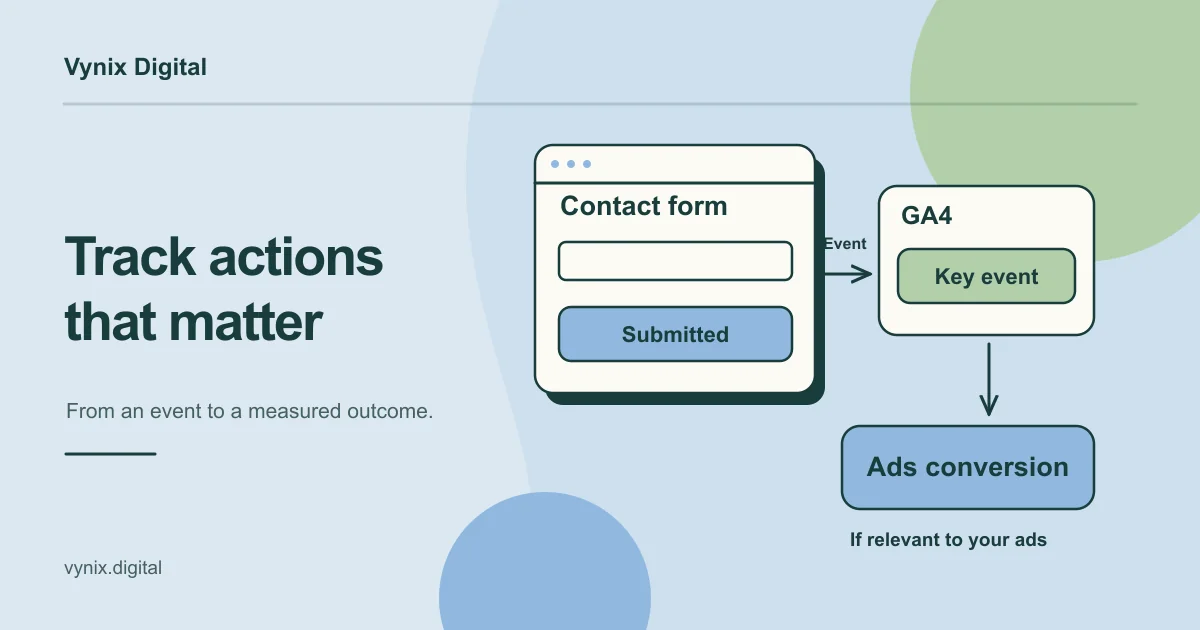
No checklist replaces data from your own visitors. Once tracking works and traffic is steady, test what matters most: headline, offer, hero image, form length, and proof placement.
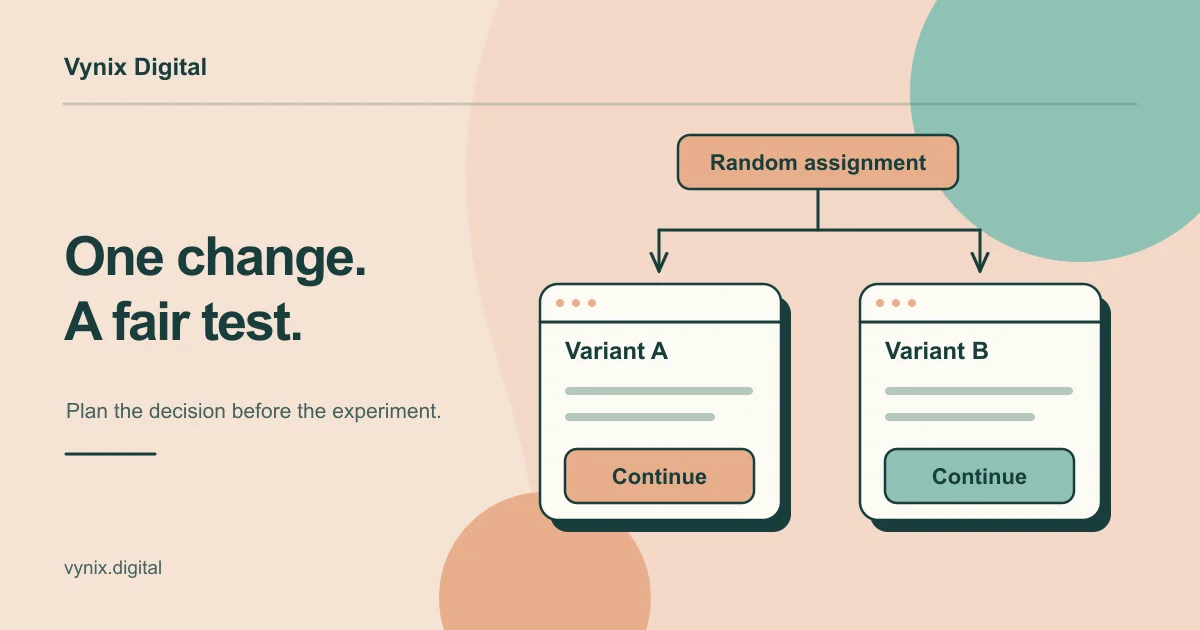
Change one thing at a time and let each test run long enough to give a reliable answer. Our step-by-step guide on how to run an A/B test covers sample size, test duration, and how to read the results.
That ongoing cycle of measuring and testing is what conversion rate optimization means in practice, and it belongs in any digital marketing plan built on paid traffic.
Common mistakes
- Sending paid traffic to the homepage, so visitors have to search for what the ad promised.
- Leaving the full site navigation in place, which gives people a dozen ways to leave.
- Offering several different actions and splitting attention between them.
- Writing a headline that doesn’t match the ad, so visitors wonder if they clicked the wrong link.
- Using a vague offer like “Learn more” with no reason to act now.
- Asking for budget, company size, and phone number before you’ve earned any trust.
- Checking the page only on desktop, when much of the traffic arrives on phones.
- Declaring a test winner after a few days because one version pulled ahead early.
Build pages around one visitor and one action
A landing page that converts is mostly the result of discipline: one goal, a headline that matches the ad, a clear offer, proof where it counts, a short form, and a fast mobile experience. Get those right, then let testing tell you what to change next.
If you’d like help planning, building, or improving landing pages for your campaigns, Vynix’s digital marketing services cover conversion rate optimization, automated funnels, and landing pages. Tell us about your project and we can look at where your current pages lose people.