If you have a limited ad budget, choosing between Google Ads and Meta Ads (Facebook and Instagram) is one of the first real decisions you make. Choose badly and you can spend months concluding that “ads don’t work,” when the real problem was a mismatch between the platform and how your customers buy.
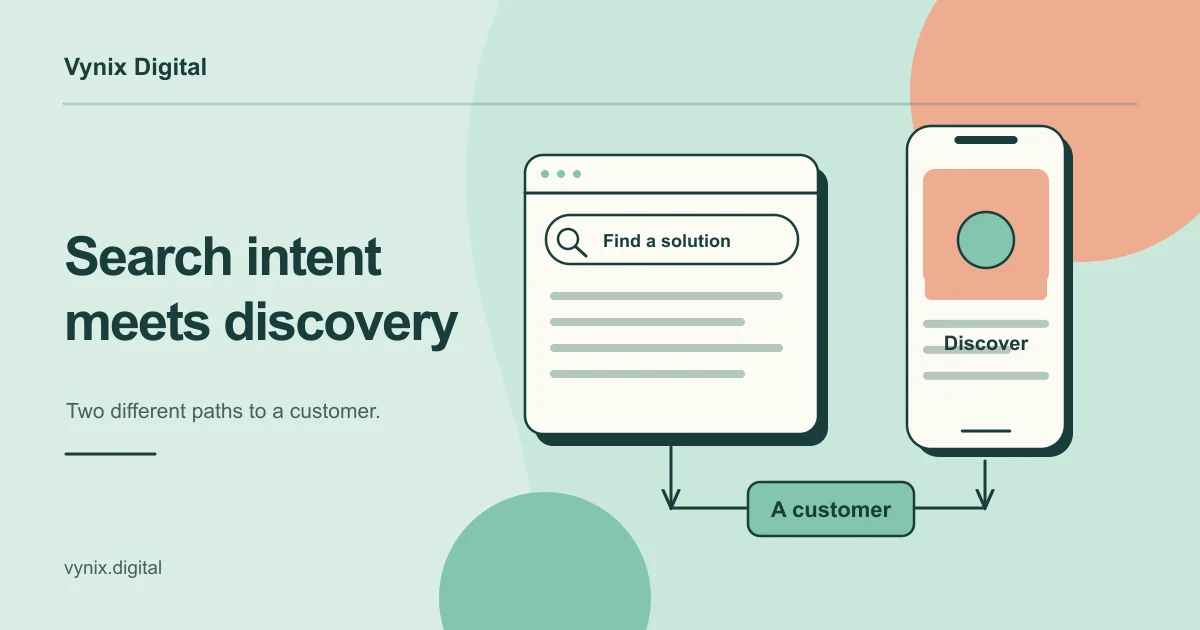
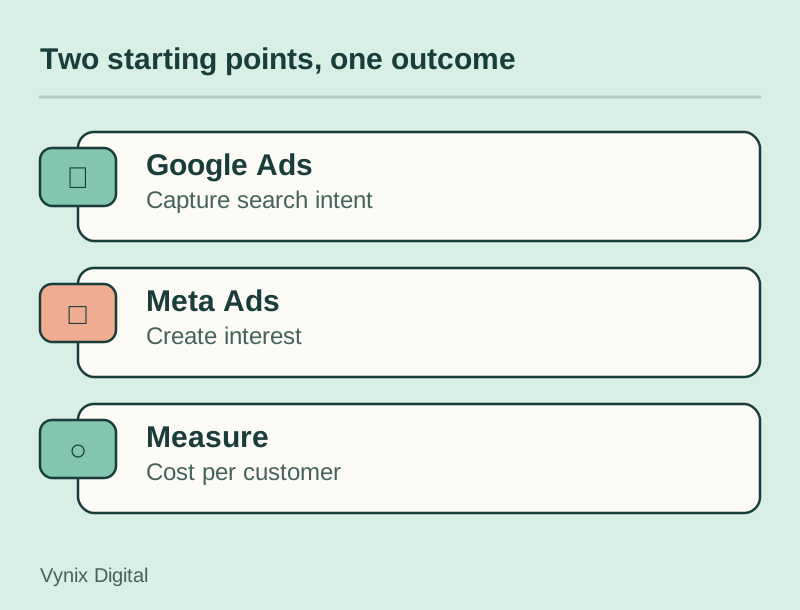
The short answer: Google Ads captures demand that already exists, because people type what they want into a search box. Meta Ads creates demand, because it shows your offer to people who were not looking for it but fit an interest or behavior profile. If customers already search for what you sell, start with Google. If your product is new, visual, or easy to want on sight, test Meta first.
This guide covers how the two platforms differ, which businesses suit which, how to split a test budget, and the tracking to set up before you spend anything.
Intent vs interest: the core difference
Google Ads: bidding on what people already want
Search ads appear when someone types a query such as “emergency plumber near me” or “payroll software for restaurants.” You choose keywords, write text ads, and pay when someone clicks. The person has already told Google what they need, so your job is to be the most relevant answer at that moment.
That intent is the main strength, and also the main limit. You can only buy as much traffic as there are searches, and no budget creates searches for a category nobody looks up. (This guide focuses on Search, not YouTube or Display.)
Meta Ads: putting your offer in front of the right people
Meta ads appear in Facebook and Instagram feeds, Stories and Reels while people scroll for other reasons. Nobody asked to see your ad, so it has to earn attention in a second or two. Targeting is based on who people are and what they do: location, age, interests, behaviors, lookalikes of your existing customers, and past site visitors.
That makes Meta good at introducing something people did not know they wanted, like a new kind of standing desk or a skincare brand with strong before and after visuals.
Google Ads vs Meta Ads at a glance
| Factor | Google Ads (Search) | Meta Ads (Facebook and Instagram) |
|---|---|---|
| Intent | High. The person is actively looking for a solution. | Low to medium. The person is browsing and gets interrupted. |
| Targeting | Keywords, location, schedule, device, optional audience layers | Demographics, interests, behaviors, custom and lookalike audiences |
| Creative | Text headlines and descriptions, plus sitelinks and call buttons | Images, video and short copy. Creative quality drives most of the result. |
| Funnel stage | Bottom: comparing options and ready to act | Top and middle: awareness, consideration, retargeting |
| Measurement | Short click-to-conversion path, easier to attribute | Longer path. Many buyers convert later through search or a direct visit. |
| Learning curve | Keyword structure, match types, negative keywords, bidding | Creative testing, audience setup, pixel and event configuration |
Two terms from the table: match types are the rules for how closely a search must match your keyword, and negative keywords are terms you exclude, so an ad for “accounting software” does not show for “accounting jobs.”
Which businesses suit which platform
Google Ads usually fits when
- People search for your service when a need comes up: plumbers, locksmiths, accountants, immigration lawyers, IT support.
- You sell into a known B2B category where buyers research online, such as “HR software for small teams.”
- Your product has clear commercial search terms, like product names, “near me” searches or “pricing” queries.
- You need leads this quarter more than brand awareness next year.
If search demand for your category is strong, invest in SEO alongside paid search so you are not paying for every visit forever.
Meta Ads usually fits when
- Your product is new, or the category is not searched much yet.
- It sells on looks or experience: fashion, home goods, food, beauty, travel, events.
- The price allows a fairly quick decision.
- You can describe your buyer clearly, such as new parents or independent restaurant owners.
- You want to bring back site visitors who did not convert the first time.
When you need both
Many businesses end up using both, each in its own role. A B2B software company might run Google Search on “alternative to [competitor]” queries and use Meta to retarget visitors with a demo offer. A consumer brand might use Meta to introduce the product and Google to catch people who later search the brand name. Our guide to building a marketing funnel shows how those stages connect.
Set up tracking before you spend anything
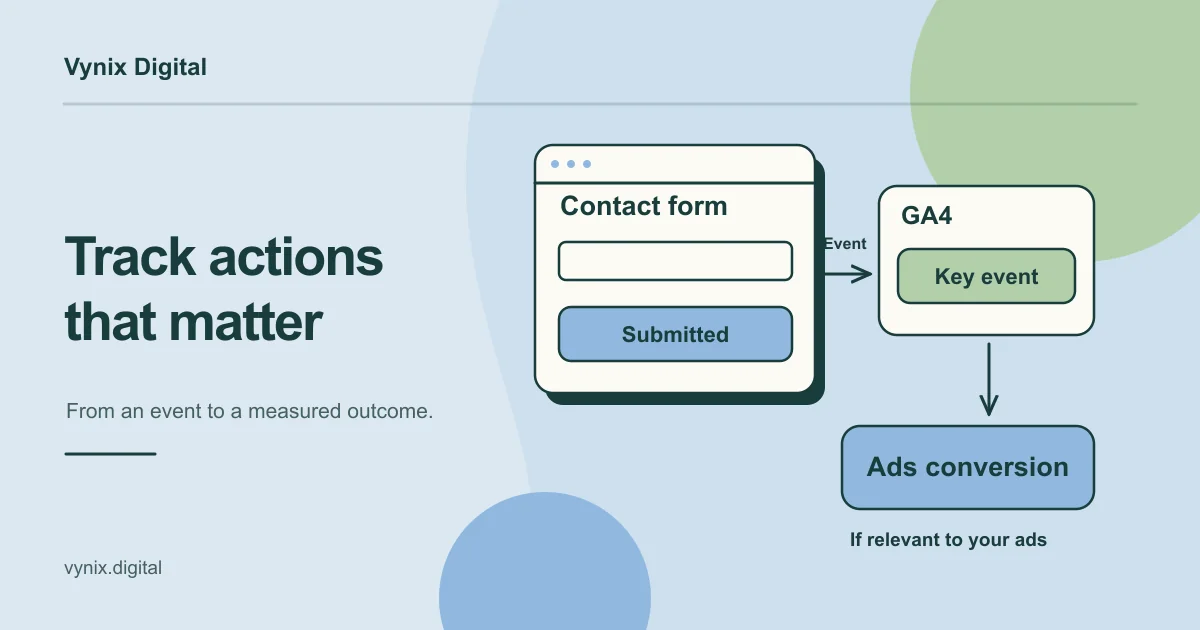
Without conversion tracking, you are comparing clicks, and clicks do not pay the bills. Google describes conversion tracking as measuring the valuable actions people take after interacting with your ads, such as purchases, sign-ups and phone calls, and notes that Smart Bidding uses that conversion data to optimize campaigns (Google Ads Help). Meta’s delivery also learns from the events you send it, so bad data means both systems optimize toward the wrong thing.
Before launch:
- Define one primary conversion per campaign. A booked call, a qualified form submission or a purchase. Page views are not conversions.
- Install Google Ads conversion tracking directly or through Google Tag Manager, and connect GA4. Our GA4 conversion tracking guide walks through the setup.
- Install the Meta Pixel with the standard events that match your goal. Meta also offers the Conversions API, which sends events from your server instead of relying only on the visitor’s browser.
- Add UTM parameters to every ad URL so your analytics and CRM show where each lead came from.
- Connect your CRM if you sell through leads. The ad platforms see form fills. Your CRM knows which leads became customers.
- Test every conversion yourself. Submit the form, make a test purchase, and confirm each one appears in both platforms before launch.
Our digital marketing service can set up tracking, landing pages and campaigns as one piece of work.
How to split a test budget
A good test answers one question: which platform brings you customers at a cost you can afford?
- Work out what a customer is worth. Use your average order or deal value and margin to set the most you can pay per sale or per qualified lead.
- Lead with the platform that matches your demand. If people search for your service, put most of the test budget (say 70 percent) on Google Search and the rest on Meta. If your product has to create its own demand, flip it. If you cannot tell, start at 50/50.
- Fund each platform enough to learn something. Three conversions tell you almost nothing. Estimate a cost per conversion from a small pilot or the bid estimates in Google Keyword Planner, then multiply by the number of conversions you want to see. If that total is out of reach, test one platform properly rather than two badly.
- Run for a fixed window and leave it alone. Four to eight weeks is sensible. Automated bidding on both platforms needs conversion data to settle, and frequent large edits make it hard to tell what caused a change.
- Compare on the same yardstick. Judge both on cost per qualified lead or cost per sale from your CRM or store, not on cost per click. A platform with cheap clicks can still be the expensive one per customer.
- Check for crossover. People who see a Meta ad often search your brand on Google later. Check whether branded searches rose during the test before deciding Meta did nothing.
- Reallocate, but keep testing. Move most of the budget to the winner and keep a small slice on the other platform for new creative or audiences.
For illustration: a home services company with a $4,000 monthly test budget might put $2,800 into Google Search for its core services in two cities and $1,200 into Meta, mostly retargeting and a lookalike of past customers. After six weeks, it compares cost per booked job from its CRM and moves money accordingly.
Common mistakes
- Treating boosted posts as a Meta test. The Boost button offers far fewer controls than a campaign built in Ads Manager, so it is a weak basis for a budget decision.
- Running broad keywords with no negatives. Without exclusions, a service business can pay for searches like “free,” “DIY” or “jobs” that will never convert.
- Sending paid traffic to the homepage. Each campaign needs a page that matches the ad’s promise and asks for one action. Our landing page best practices cover what that page needs, and a well-built site makes those pages quick to produce.
- Judging Meta on last-click alone. Meta often starts the journey and Google finishes it. Look at blended cost per customer, not only platform reports.
- Chasing the cheapest lead. Low-friction lead forms can produce plenty of contacts who never answer the phone.
Conclusion
Google Ads works best when people already search for what you sell. Meta Ads works best when you need to create interest, show a product visually, or reach a defined audience that is not searching yet. Most growing businesses use both eventually, but the first test should follow your demand, run on clean tracking, and be judged on cost per customer.
If you want help planning that test, our digital marketing team handles performance marketing, conversion rate optimization and landing pages for paid campaigns. Tell us about your business and goals, and we can map out your first Google and Meta test together.