Most small teams lose hours every week to work nobody enjoys: copying leads from a form into a CRM, chasing unpaid invoices, pasting order details into a spreadsheet, sending the same onboarding email for the tenth time. Workflow automation for small business means handing those repeatable steps to software so your people can spend their time on work that needs judgment.
The short answer to “where do I start” is this: automate tasks that happen often, follow clear rules, and cause real damage when someone gets them wrong. Start with one, measure it, then expand. This guide is for founders and operations or marketing leads who want a practical approach. You will learn how to find candidates, score them, see examples by department, choose between no-code tools and custom automation, avoid the common risks, and follow a 30-day plan.
What counts as workflow automation
A workflow is a chain of steps that moves information or work from one place to another. Automation means software runs some or all of those steps when a trigger happens, such as a form submission or a new order. For a small business, this is business process automation at a practical scale: you remove the handoffs where data gets retyped, forgotten, or delayed.
Every automation has three parts: a trigger (something happens), logic (rules decide what to do), and actions (records get created, messages sent, files moved).
How to find tasks worth automating
Run a one-week task log
Ask each person on the team to log recurring tasks for five working days: what it was, how long it took, which tools were involved, and what started it. A shared spreadsheet works fine. At the end of the week, group similar entries. A handful of tasks will usually stand out immediately.
Signs a task is a good candidate
- It follows the same steps each time, with rules you can write down.
- The inputs arrive in a predictable format (a form, an email template, an order record).
- It moves data between two or more tools.
- Delays or mistakes cost money or annoy customers.
- Nobody needs to make a judgment call in the middle.
Tasks that need negotiation or context (pricing a custom quote, calming an upset customer) are poor candidates for full automation, though you can still automate the information gathering around them.
A simple scoring method
Once you have a list, score each task from 1 to 5 on five criteria and add the scores up. Anything above 18 is a strong first project. Anything below 12 can wait.
| Criterion | 1 means | 5 means |
|---|---|---|
| Frequency | A few times a month | Many times a day |
| Time per run | Under a minute | 15 minutes or more |
| Cost of errors | Minor annoyance | Lost revenue, compliance or customer issues |
| Rule clarity | Judgment needed at most steps | Every step can be written as a rule |
| Process stability | Changes every few weeks | Has stayed the same for a year |
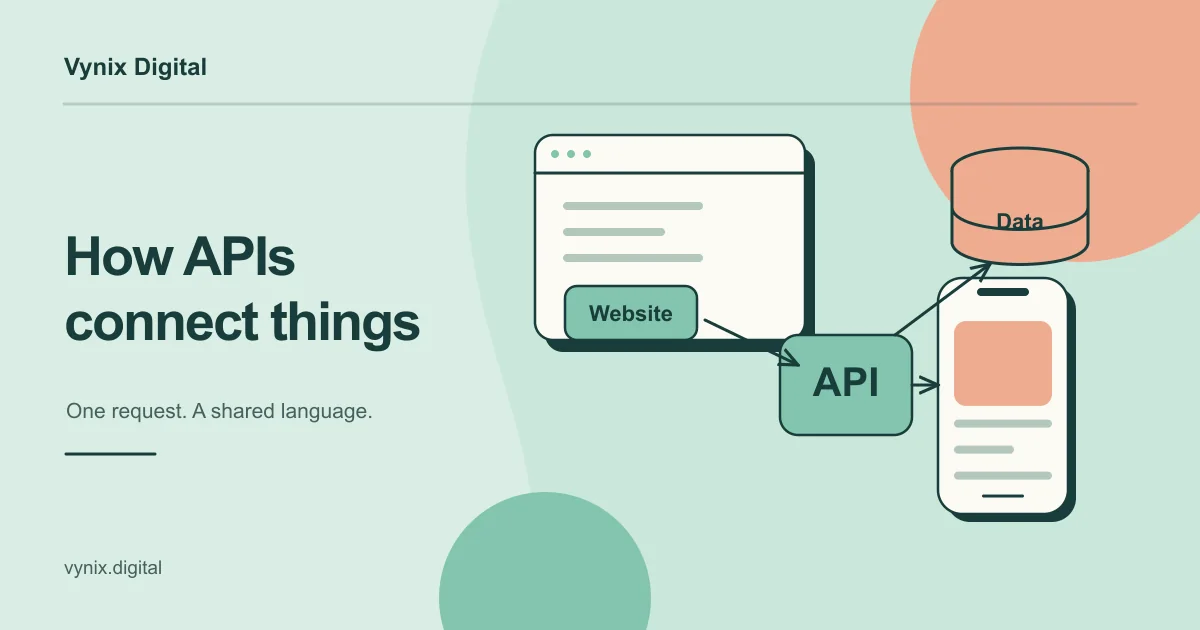
Then subtract 1 to 3 points for complexity, based on how many tools are involved and whether they offer an API (the interface that lets other software read and write their data). A tool with no API is harder and more fragile to automate.
Here is a quick example. Moving website leads into a CRM and notifying sales happens 20 times a day (5), takes three minutes (2), loses deals when missed (5), follows clear rules (5), and has not changed in a year (5). That is 22, minus 1 for complexity, so 21. Monthly payroll reconciliation scores high on error cost but low on frequency and rule clarity, landing around 13. Start with the leads.
Workflow automation examples by department
Sales
- Route new leads to the right rep by region or deal size, and create the CRM record automatically.
- Send a reminder when a deal has had no activity for seven days.
Marketing
- Add form signups to the right email list and tag them by interest.
- Pull ad spend and conversion numbers into one weekly report.
- Start a nurture sequence when someone downloads a guide. Funnels like this overlap with digital marketing work.
Operations
- Create a project, a shared folder, and a task checklist when a new client signs.
- Sync orders from your store to your inventory or fulfillment system.
Finance
- Create invoices from closed deals or completed jobs.
- Send polite payment reminders at 7, 14, and 30 days overdue.
Customer support and HR
- Tag and route new tickets by keyword or customer tier, and escalate any that wait past your response target.
- Run a new-hire checklist: accounts, equipment request, welcome email, first-week calendar.
No-code automation vs custom automation
No-code automation tools such as Zapier, Make, and Microsoft Power Automate let you connect apps with a visual builder. Custom automation means writing code, usually a small service or set of scripts that talk to your tools through their APIs and run on infrastructure you control.
| Factor | No-code tools | Custom automation |
|---|---|---|
| Time to first result | Hours to days | Weeks, depending on scope |
| Upfront cost | Low, subscription based | Higher, development cost |
| Running cost at volume | Rises with usage | Mostly hosting, grows slowly |
| Complex logic | Possible, but gets messy | Handles branching and edge cases well |
| Error handling and logging | Basic, varies by tool | Built to fit your needs |
| Tool coverage | Limited to available connectors | Anything with an API or database |
| Who maintains it | Anyone trained on the tool | A developer or agency |
| Data control | Data passes through a third party | Stays in systems you choose |
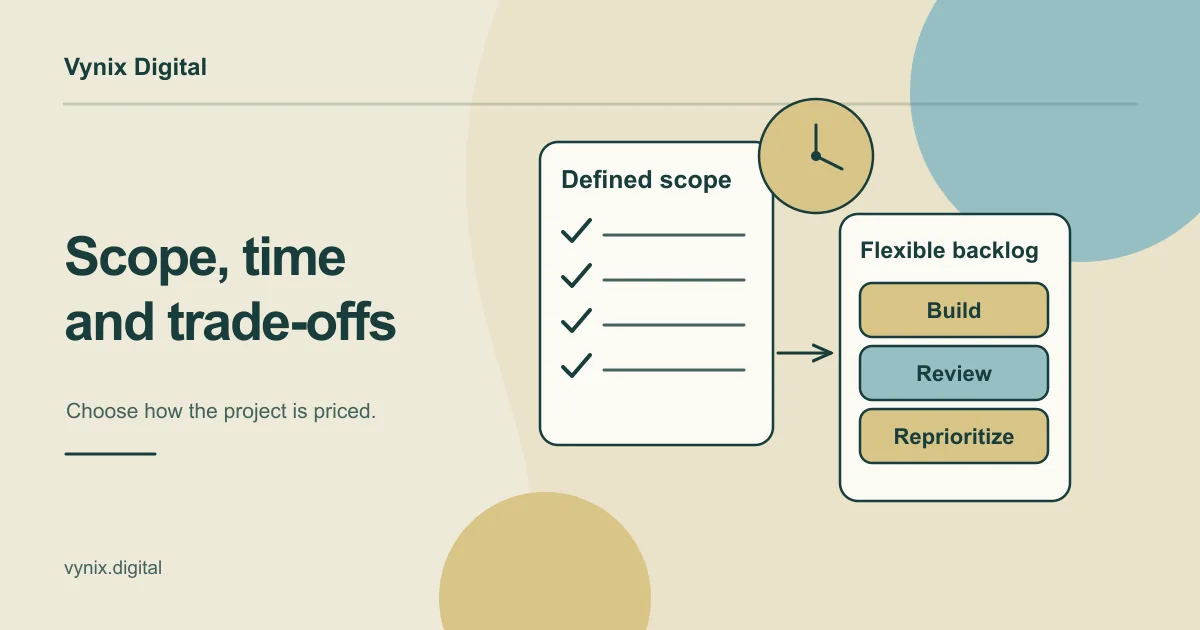
Pricing models matter more than people expect. Zapier, for example, counts each successful action step as a task, so a workflow with five action steps that runs 1,000 times a month can use up to 5,000 tasks. At low volume that is cheap. At high volume, the bill can grow faster than the business.
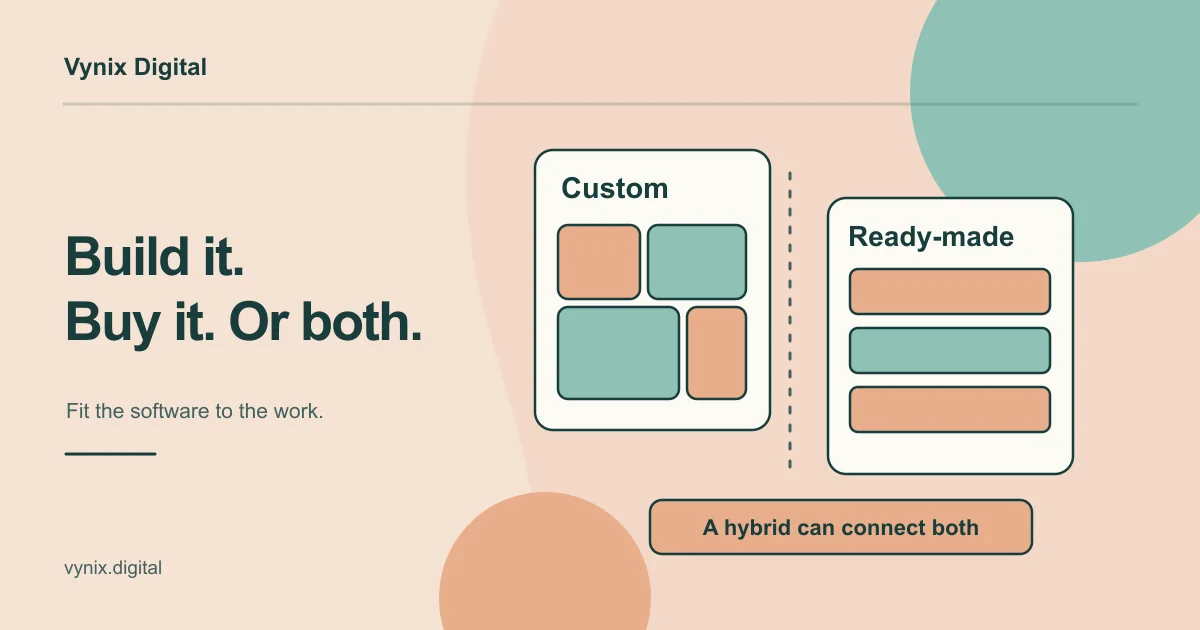
A sensible rule: use no-code to prove a workflow is worth automating. Move to custom automation when it is critical to revenue, runs at high volume, needs logic a visual builder cannot express cleanly, or touches data you would rather not route through another vendor. A developer can then rebuild it as a small service with proper logging, retries, and tests, which is typical custom software development work. Our guide to custom software vs off-the-shelf tools covers the broader decision. Many businesses end up with a mix.
Risks to plan for
Fragile chains
Long automations are only as strong as their weakest step. If a CRM renames a field or a login token expires, step four fails and steps five to nine never run. Often nobody notices until a customer asks why their invoice never arrived. Keep chains short, split long workflows into smaller ones, and send failure alerts to a real person.
Data quality
Automation copies bad data faster than any human. If your form accepts “gmial.com” or phone numbers in five formats, those errors spread into every connected system. Validate inputs at the source, standardize formats in one step, and decide which system is the source of truth for each type of record.
Ownership and access
When the person who built a workflow leaves, nobody may know how it works. Document each automation in one place: trigger, steps, accounts used, and owner. Use dedicated service accounts with minimum permissions rather than someone’s admin login. If you are connecting your own systems, our API development guide explains what a well-designed integration layer looks like.
A 30-day plan to get started
Days 1 to 7: map and log
Run the task log with your team and group the results.
Days 8 to 14: score and pick one
Score every task and pick the highest scorer that touches no more than three tools. Write down the current process step by step and record a baseline: hours spent per week and how often errors happen.
Days 15 to 21: build and test
Build the first version, usually in a no-code tool. Test it with low-risk data, add a failure alert, and run it alongside the manual process for a few days.
Days 22 to 30: launch, measure, decide
Switch off the manual process. At the end of the month, compare time spent and error rates against your baseline, decide whether to keep, extend, or rebuild it, and pick the next task. If that rebuild looks substantial, a short software discovery phase will help you scope it before anyone writes code.
Common mistakes
- Automating a broken process. Automation makes a confusing process faster, not clearer. Fix it first.
- Starting with the hardest workflow. Early wins build trust. Pick something simple and visible.
- No failure alerts. Silent failures compound until a customer finds them.
- One giant workflow. Ten small automations are easier to fix than one with forty steps.
- Ignoring running costs. Check how your tool bills before volume grows.
- No named owner. Every automation needs one person responsible for it.
Conclusion
Workflow automation pays off when you choose tasks carefully: frequent, rule-based, and costly to get wrong. Log the work, score it, start with one workflow, and measure before you expand. No-code tools prove value fastest, and custom automation makes sense once a workflow becomes critical, high volume, or too complex for a visual builder.
If you have reached that point, or want a second opinion on what to automate first, Vynix builds internal tools and workflow automation as part of its custom software development service. Tell us about your workflow and we can talk through where automation will save your team the most time.