Most growing companies reach the same point. A spreadsheet or a patchwork of SaaS tools ran operations fine for a while, but now the team spends hours copying data between systems, and someone asks whether it is time to build your own. Get it wrong and you either spend months building something you could have rented, or spend years bending your business around a tool that never quite fits.
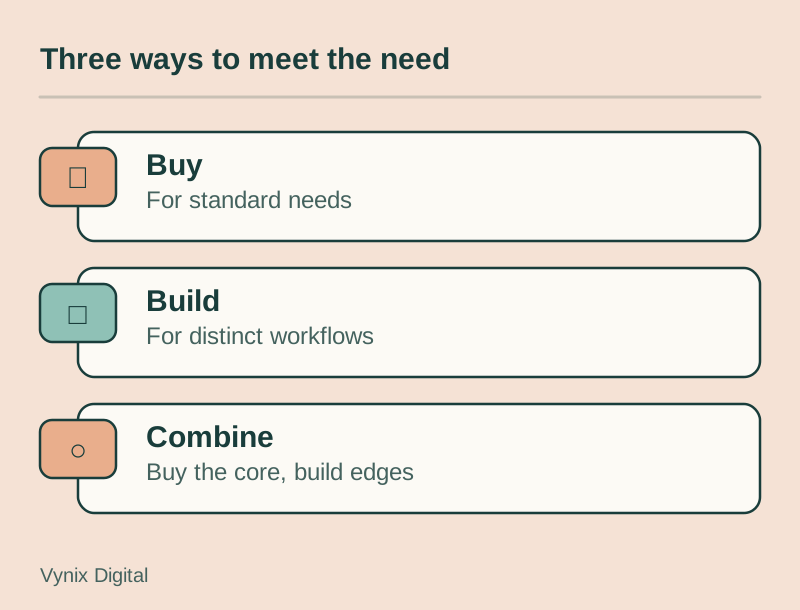
The short answer: buy off-the-shelf software when the need is common and the process does not set you apart. Build custom software when the workflow is central to how you win customers, when integrations are eating your team’s time, or when per-user pricing and vendor limits start capping growth. Plenty of companies do both. This guide walks founders and operations leads through the real costs, a side-by-side comparison, when each option wins, the hybrid path, and a decision checklist.
What off-the-shelf software is
Off-the-shelf software (sometimes called COTS, for commercial off-the-shelf) is a ready-made product built for a broad market. You sign up, pay for a license or subscription, configure it, and start working. QuickBooks for accounting, HubSpot for CRM, Shopify for ecommerce, and Zendesk for support tickets are all examples.
The vendor owns the code, usually hosts it, ships the updates, and sets the roadmap. You get a mature product that thousands of other businesses have already tested, and you split the development cost with all of them. The catch is that you also split their priorities. If a feature matters to only a handful of customers, it may never ship.
What custom software is
Custom software is built for one organization’s workflows, data, and users. It might be a customer portal, an internal operations dashboard, a quoting engine, a booking system, or a full SaaS product you plan to sell. You define the requirements, and the software is designed around them.
With custom software development, you control the code, the data model, and what gets built next. In exchange, you pay to build it and you carry the ongoing work of hosting, securing, and maintaining it. Custom rarely means writing everything from scratch, though. Most custom software combines open-source frameworks, cloud services, and third-party APIs for things like payments and email, with your own business logic in the middle.
Custom software vs off-the-shelf software, side by side
| Factor | Off-the-shelf software | Custom software |
|---|---|---|
| Upfront cost | Low: setup fees and the first billing period | High: discovery, design, and development before launch |
| Total cost of ownership | Grows with seats, plan tiers, add-ons, and price increases | Front-loaded, then hosting, maintenance, and new features |
| Time to launch | Days to weeks | Usually months, depending on scope |
| Fit | Built for the typical customer, so you adapt your process to it | Built around your process and your users |
| Scalability | Handles load well, but cost often scales per user or per record | Scales the way it is designed, so early architecture choices matter |
| Integration | Limited to the vendor’s API, plan tier, and app marketplace | Connects to the systems you choose, shaped around your data |
| Maintenance | Vendor handles updates, security patches, and uptime | You or your development partner handle it |
| Vendor lock-in | High: data formats, workflows, and contracts tie you in | Low with any vendor, but you depend on whoever maintains the code |
| Data ownership | Data lives on the vendor’s servers under their terms | You decide where data lives and how it is structured |
| Competitive advantage | Competitors can buy the same tool tomorrow | Can encode processes competitors cannot easily copy |
The table flatters custom on most rows, but upfront cost and time to launch decide a lot of real projects, and off-the-shelf wins both by a wide margin.
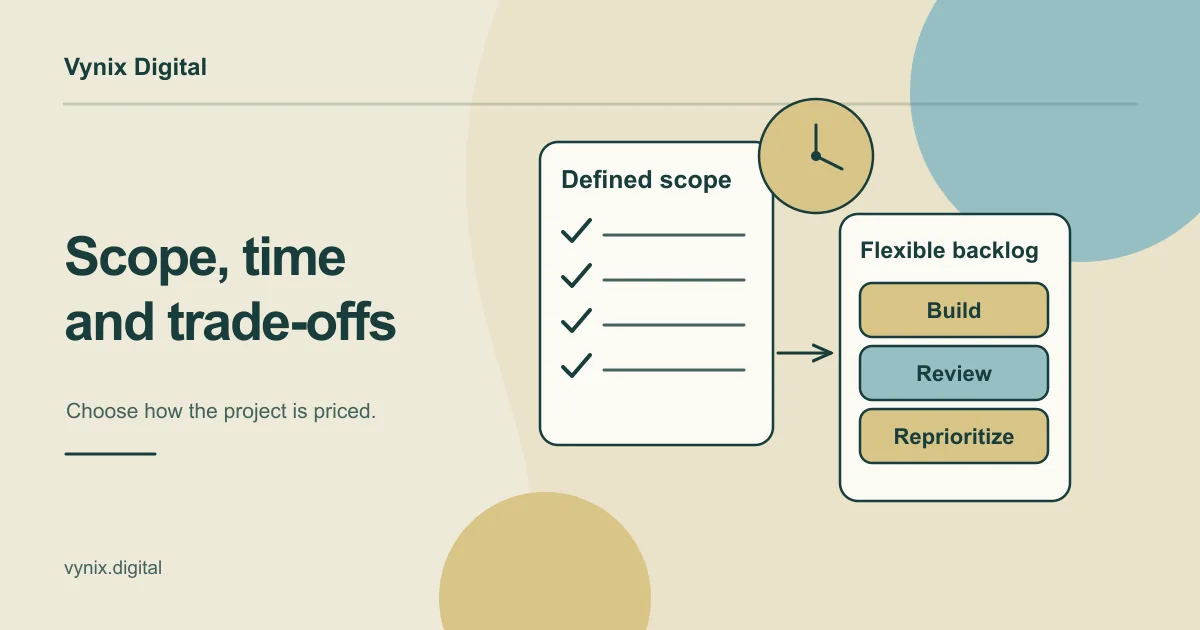
Total cost of ownership is where it gets interesting, because subscriptions compound. Say a tool costs $50 per user per month and you have 40 users: that is $24,000 a year before add-ons. Double the headcount over three years, move up a plan tier to get API access, and the bill grows quickly.
Prices also rise. Vertice’s SaaS inflation tracker shows vendors still pushing double-digit annual price increases in 2026, even as general inflation has settled in many economies. Zylo’s 2025 SaaS Management Index put average SaaS spend at $4,830 per employee, up 21.9% in a single year.
None of this means custom is cheaper. It means you should compare five-year totals on both sides, not a first-year subscription against a full build budget.
When off-the-shelf software is the right choice
Off-the-shelf is the sensible default for most business functions, especially in these cases.
The process is standard
Accounting, payroll, email, calendars, HR records, and a typical sales pipeline work roughly the same way in every company. Nobody picks a supplier because of how that supplier runs payroll. Rebuilding mature tools in these categories is almost always a poor use of money.
You need it working now
If the team needs a help desk next week, a subscription gets you there. Even a small custom build involves discovery, design, development, and testing before anyone can use it.
You are still learning what you need
Early on, processes change from month to month. Running an off-the-shelf tool for six months shows you which features matter and where the real friction is. That knowledge makes any later custom project smaller and cheaper.
Compliance is the hard part
Payroll tax rules, payment card security, and electronic signatures are areas where vendors spread the cost of compliance across thousands of customers. Use a payment provider such as Stripe rather than building your own card handling.
Nobody would own a custom system
Custom software needs an internal owner who sets priorities and answers developers’ questions. If no one has time for that, a well-supported product is the safer bet.
A useful rule of thumb: if a tool covers most of what you need and the gaps can be closed by adjusting your process slightly, adjust the process.
When custom software wins
The workflow is your edge
If your quoting logic, scheduling model, or customer experience is the reason clients pick you, putting it in the same tool your competitors use flattens that advantage. A freight broker with a faster pricing method, or a clinic group with an unusual booking flow, gets real value from software that encodes exactly how they work.
You have outgrown the workarounds
Warning signs include staff re-typing data between systems, weekly CSV exports and imports, automation chains that break whenever one app changes, and at least one person whose job is mostly moving information around. At that point the workaround already has a real cost, paid in staff hours instead of development fees.
Per-user pricing breaks at your scale
Many products charge per seat, per contact, or per transaction. That works for a ten-person office and falls apart when you need to give 300 field technicians, or every one of your customers, access. Custom software has no license fee per user, so adding users mostly affects hosting and support costs.
Integration is the product
Sometimes the value lies in connecting things: an older ERP, a partner’s API, a customer portal, and a mobile app all sharing the same data. Off-the-shelf tools often cannot reach that far. A custom backend with well-designed APIs becomes the hub that ties them together.
You are building something to sell
If software is the product, you build it. That is the whole premise of a SaaS business, and our guide on what SaaS development involves covers the architecture and business model in more detail.
Data control matters
Some businesses need data stored in a specific region, structured for their own reporting, or governed by rules that a vendor’s standard terms do not allow. With custom software you set those rules yourself.
If you are leaning toward custom but are unsure about scope, start smaller. Building a focused first version and testing it with real users is the same discipline startups follow in MVP development, and it works just as well for internal tools.
The hybrid path: buy the core, build the edges
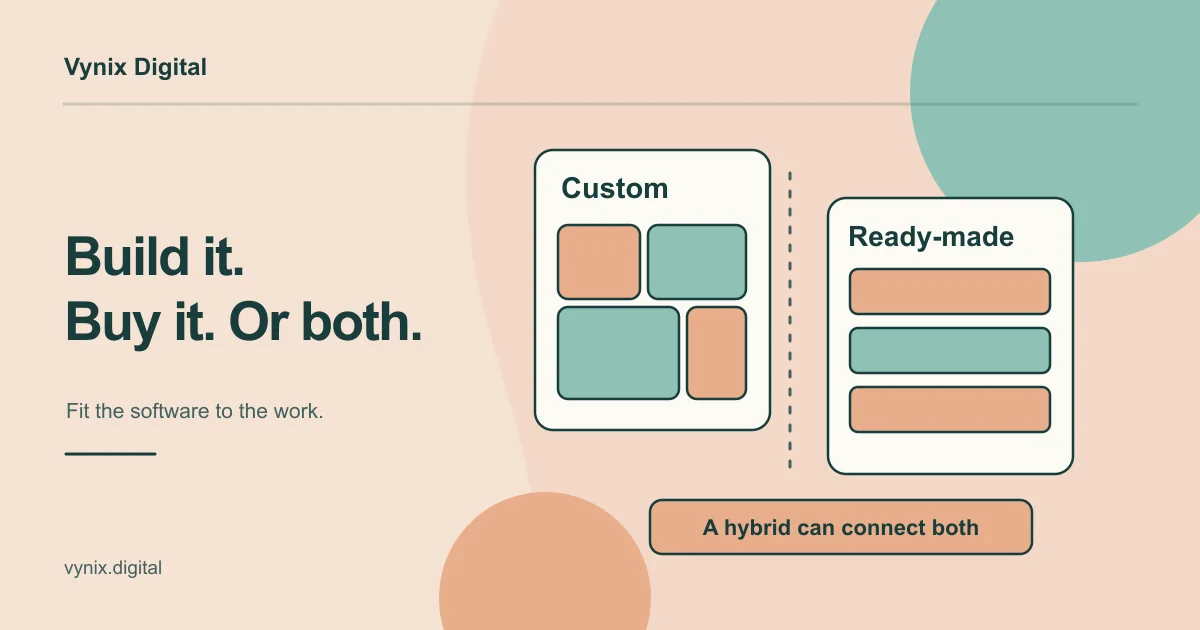
For most small and mid-sized companies, the honest answer is a mix. Keep commodity functions on off-the-shelf tools, then build custom pieces where those tools stop short. Common hybrid builds include:
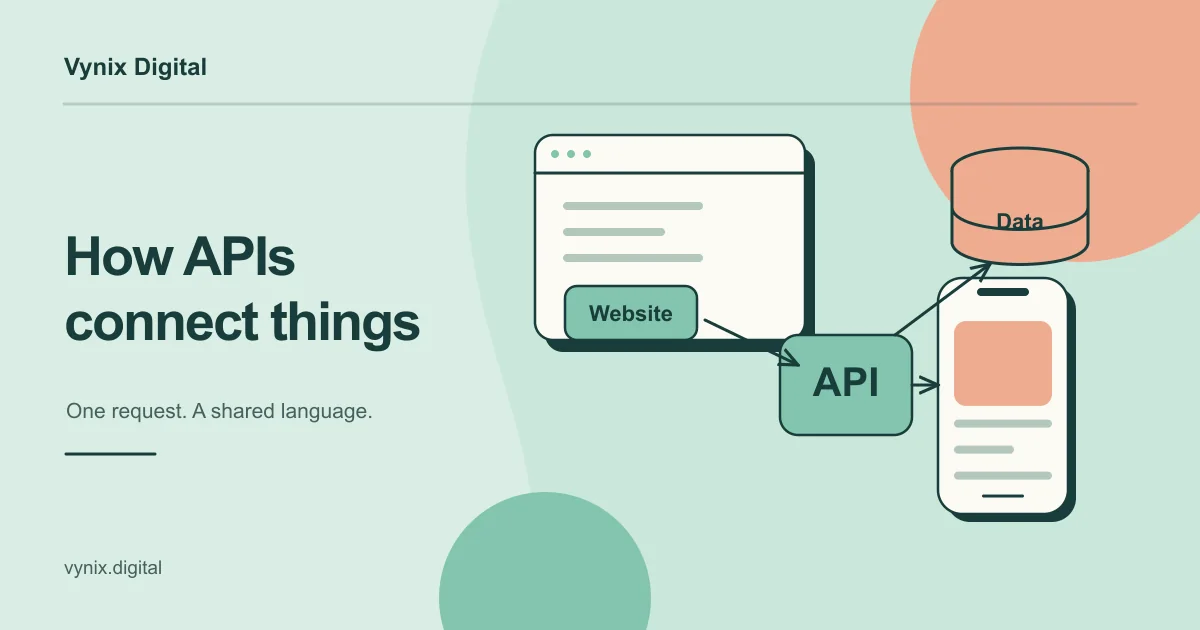
- Integrations that sync data between your SaaS tools through their APIs, so nobody re-types orders or contacts.
- Internal tools and dashboards that pull data from several systems into one view for operations or finance.
- Customer or partner portals that sit on top of your CRM or ERP and show people their own orders, documents, or tickets.
- Workflow automation for steps no single product covers, such as approvals that span several departments.
Picture a 60-person wholesale distributor running Xero for accounting and HubSpot for sales. Orders arrive by email and get re-typed into both systems, and the warehouse works from printouts. Replacing either tool would be expensive and risky. Instead, the company builds a small order intake app that validates each order, pushes it to Xero and HubSpot through their APIs, and gives the warehouse a live pick list on a tablet. It keeps the vendors’ updates and gets a custom fit exactly where the friction was.
The hybrid path has its own risks. Your custom layer depends on each vendor’s API, so check which plan tier includes API access, what the rate limits are, and how the vendor announces breaking changes. This is the kind of work that falls under custom software development for APIs, internal tools, and workflow automation, and it is often the cheapest way to get the benefits of custom without replacing anything.
A build vs buy software checklist
Run through these questions with the people who will use the system every day, not only the people approving the budget.
- Is this process part of how we win and keep customers, or a standard cost of doing business?
- Does an existing tool cover most of the need without heavy workarounds? Test it in a trial with real data and real users, not just a sales demo.
- What will the off-the-shelf option cost over five years at our expected headcount, including add-ons, higher tiers, integration tools, and price increases?
- What would custom cost to build and to run over the same five years, including hosting, maintenance, and new features?
- How soon do we need it working, and what does each month of delay cost us?
- Who will own the system internally and make product decisions?
- How hard would it be to leave? Check data export formats, contract terms, and notice periods.
- Where must our data live, and who is allowed to access it?
- Does the vendor’s roadmap match where we expect to be in two or three years?
- Could we start with a hybrid setup or a small first version and decide the rest later?
If most answers point to “standard, needed soon, nobody to own it”, buy. If they point to “core to the business, integration-heavy, scaling fast”, build or go hybrid. Mixed answers usually mean hybrid.
Common mistakes
Building what you could rent
A custom CRM built because the sales lead dislikes a vendor’s interface is rarely worth it. Save custom budgets for the parts of the business that are genuinely different.
Forgetting that custom software needs upkeep
Frameworks need updates, security patches need applying, servers need monitoring, and users will ask for changes. Budget for maintenance from the start, and ask any development partner how they handle deployment and monitoring after launch.
Over-customizing an off-the-shelf tool
Piles of plugins and scripts can turn a SaaS product into a fragile custom system you do not own, one that breaks when the vendor ships an update. If you need that much customization, treat it as a signal to build or go hybrid.
Skipping discovery
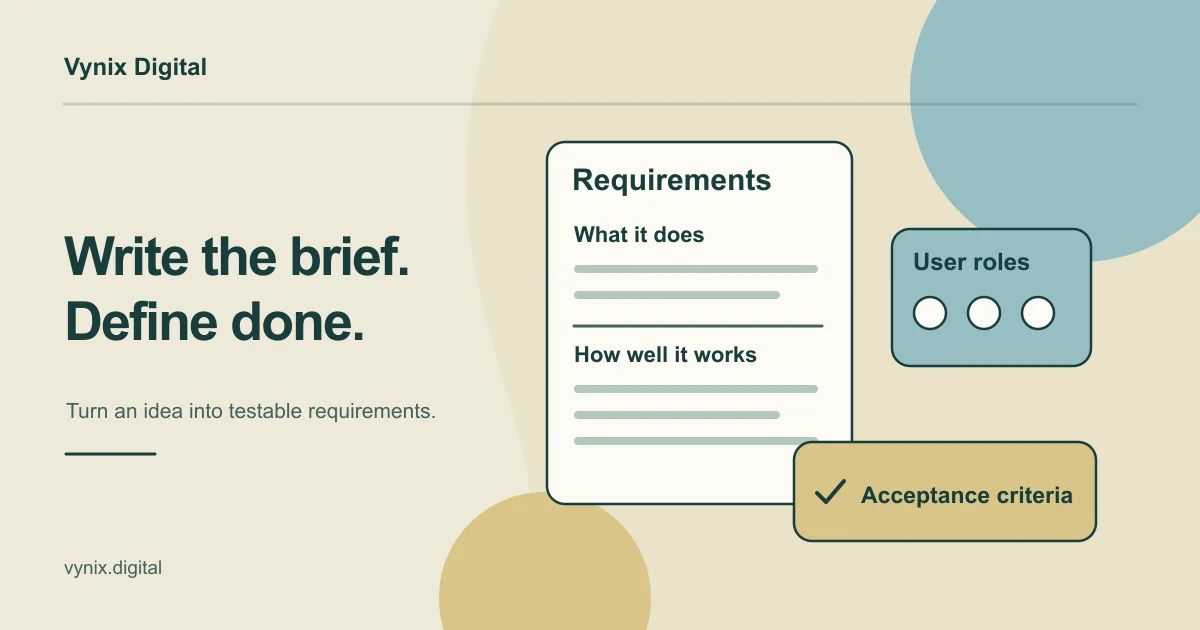
Teams that jump straight to code often build the wrong thing well. Map the workflow, define the data, and test the user journey with clickable prototypes first. A short UI/UX design phase with wireframes and Figma prototypes costs far less than rebuilding screens after launch.
Not securing the code and IP
With custom work, your contract should assign intellectual property to you and give you access to the code repository, hosting accounts, and documentation. Without those, you can end up locked into a developer instead of a vendor.
Making the call
There is no universal winner in the custom software vs off-the-shelf debate. Buy for the standard parts of your business, build for the parts that make you different, and use the hybrid path when good tools need connecting. The checklist above will settle most decisions, as long as you compare five-year costs honestly and involve the people who will use the system.
If your answers point toward building, or toward custom integrations around the tools you already pay for, our custom software development service covers backends, APIs, SaaS platforms, internal tools, and workflow automation. Every Vynix project starts with discovery and architecture, where the stack, database schema, and user journey are defined before development begins. Tell us about the workflow you want to fix and we can talk through whether to build, buy, or combine the two.