Many founders can picture the product they want: a tool customers log into, pay for monthly, and use every week. What is less clear is what it takes to build one, and why plans for “an app” and “a SaaS platform” look so different.
SaaS development is the work of designing, building, and running software that many customers use over the internet on a subscription. You host one system, every customer signs in to it, and you keep improving it after launch. Alongside the features users see, you also build the foundation underneath: customer accounts, data separation, billing, permissions, and monitoring.
This guide is for non-technical founders. It covers the core building blocks, architecture choices in plain words, how a build runs from discovery to launch, which metrics to watch, and where founders most often go wrong.
What SaaS is, and how it differs from a one-off app
SaaS stands for software as a service. Instead of selling a copy of the software, you sell access to it. Customers sign up, pay a monthly or annual fee, and use the product in a browser or mobile app. Project management tools, accounting software, and CRMs are familiar examples.
A one-off app is usually built for one business or one known group of users. Think of an inventory tool for a single warehouse, or a booking site for one clinic. It has one set of data, one set of rules, and one owner.
A SaaS product turns that around. The same codebase serves hundreds or thousands of separate companies, each with its own users, data, settings, and plan. That changes the job in several concrete ways:
- Every customer’s data has to stay private from every other customer, even though they all share one application.
- Plans, trials, upgrades, and failed payments are part of the product, so revenue logic lives in the code.
- Updates go out continuously to everyone, without taking the service down.
- Customers expect to sign up, invite teammates, and get value without a sales call.
If you are still deciding whether you need custom software at all, this comparison of custom software vs off-the-shelf tools is a useful first read.
The core building blocks of a SaaS product
Most SaaS products share the same foundation, with your unique features on top. Here is what each piece means.
| Building block | What it means | Example |
|---|---|---|
| Multi-tenancy | One application serves many customer accounts (called tenants) while keeping each one’s data separate | Company A can never see Company B’s projects |
| Authentication and roles | How users sign in, and what each user is allowed to do | An admin manages billing, while a viewer can only read reports |
| Subscription billing | Plans, trials, recurring charges, upgrades, invoices, and failed payment handling | A customer moves from Starter to Pro mid-month and pays the difference |
| Admin dashboards | Internal tools for your team to manage customers, plans, and support | Support extends a trial or resets a user’s password |
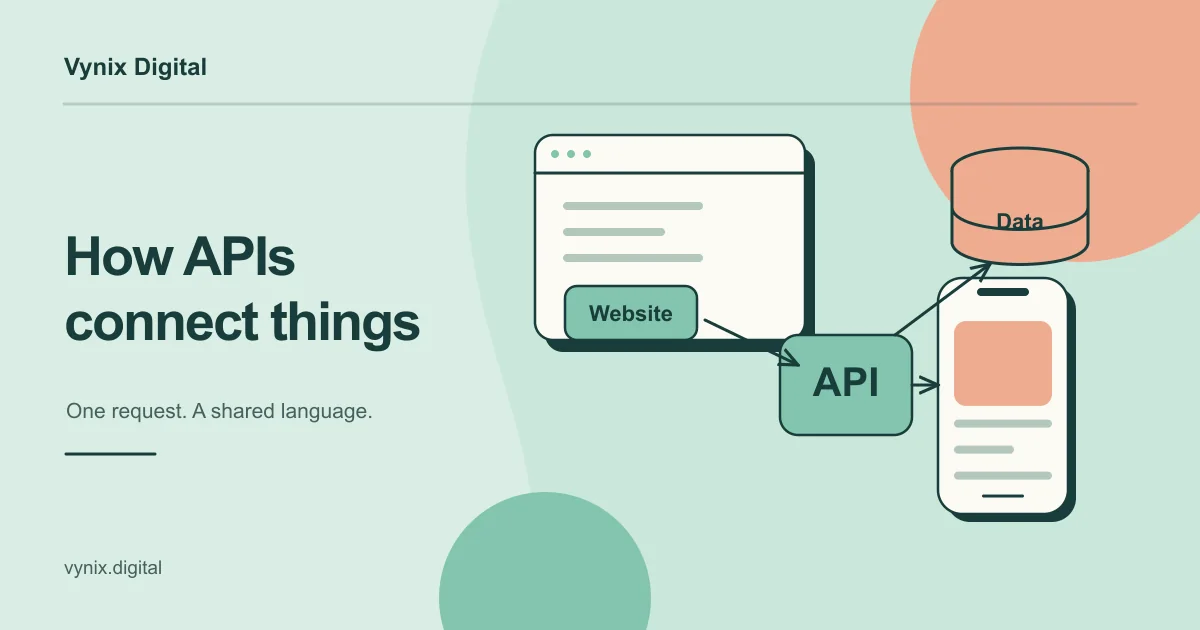
| APIs and integrations | Ways for your product to exchange data with other tools | Syncing contacts with a CRM or sending alerts to Slack |
| Analytics | Tracking how customers use the product and how the business is doing | Seeing which features new users try in their first week |
| Security and compliance basics | Encryption, access control, backups, audit logs, and privacy obligations | Logging who exported customer data and when |
Two of these deserve a closer look. Multi-tenancy is the defining trait of SaaS architecture, and it is where the most expensive mistakes happen. Access control is the other: broken access control is ranked first in the OWASP Top 10:2025, a widely used reference list of web application security risks. In a SaaS product, one missing permission check can expose a customer’s data to someone outside their company.
The foundation is well understood, so you do not need to invent it. You do need to plan for it before anyone writes feature code.
SaaS architecture choices in plain words
Architecture is how the system is organized behind the screens. You do not need to make these calls alone, but you should understand the trade-offs well enough to ask good questions. When you talk to a custom software development partner, ask how they plan to separate customer data, and why.
Single-tenant vs multi-tenant architecture
In a single-tenant setup, each customer gets dedicated resources, such as a separate database or even a separate server stack. In a multi-tenant setup, customers share the same infrastructure, and the software keeps their data apart. AWS calls these the “silo” and “pool” models, and describes a mixed “bridge” model where some parts are dedicated and others are shared (AWS SaaS Lens).
| Single-tenant (silo) | Multi-tenant (pool) | |
|---|---|---|
| Cost per customer | Higher, since each customer has dedicated resources | Lower, since resources are shared |
| Updates | Rolled out to each environment separately | One deployment updates everyone |
| Data isolation | Strong by design | Depends on careful code and database rules |
| Good fit | Enterprise or regulated customers who require separation | Most early-stage and mid-market products |
Most new products start multi-tenant, often with a tenant ID attached to every record in a shared database. If you later win a large customer who needs dedicated infrastructure, you can offer a silo option as a premium tier.
Monolith first vs microservices
A monolith is one application deployed as a single unit. Microservices split the product into many small services that run and deploy independently. Large SaaS companies often run microservices, which makes them tempting to copy.
For a new product, that is usually a mistake. Software architect Martin Fowler observed that “almost all the successful microservice stories have started with a monolith that got too big and was broken up” (MonolithFirst). Microservices add operational overhead, and the right boundaries between services are hard to see before you understand your product well.
A practical middle path is a modular monolith: one deployable application with clean internal sections (accounts, billing, reporting) that can be pulled out later if one of them needs to scale on its own.
The SaaS development lifecycle, from discovery to iteration
SaaS product development continues after launch, so treat it as a cycle. A typical path looks like this.
- Discovery. Define the problem, the first customer segment, and the one workflow the product must get right. Map the data model, choose the tech stack, and agree on what is out of scope.
- Architecture and design. Settle tenancy, roles, and billing rules. Wireframe the user journey, especially sign-up and onboarding, then turn it into clickable prototypes. Good UI/UX design at this stage catches confusing flows before they cost development time.
- Build the MVP. Ship the smallest version that delivers real value to paying users. The guide to MVP development for startups covers how to scope this stage.
- Test and harden. Confirm that tenants cannot see each other’s data, that roles behave as intended, and that billing handles upgrades, downgrades, and failed cards.
- Launch. Set up automated deployments, error monitoring, backups, and basic product analytics before the first real customer signs in.
- Iterate. Watch how people use the product, talk to customers, fix whatever blocks activation, and release small improvements often.
Most of the risk sits in steps 1 and 2. A clear data model and tenancy plan make every later step cheaper.
Metrics every SaaS founder should track
You do not need a complex dashboard on day one. You do need to answer three questions: is revenue growing, are customers staying, and are new users getting value?
Monthly recurring revenue (MRR)
MRR is the predictable revenue your subscriptions bring in each month. An annual plan counts as one twelfth of its price per month. Watch the parts that move it: new customers, upgrades, downgrades, and cancellations.
Churn
Churn is the share of customers (or revenue) you lose in a period. If you start the month with 200 customers and 6 cancel, your monthly customer churn is 3 percent. High churn means new signups are replacing lost ones instead of adding to growth, so fix retention before spending heavily on acquisition.
Activation
Activation is the share of new signups who reach a first meaningful result, the moment the product proves its value. For a scheduling tool, that might be sending the first booking link. Pick one clear activation event, measure it from the start, and design onboarding around it.
Build tracking for all three into the product from the first release.
Build vs buy: billing, authentication, and other plumbing
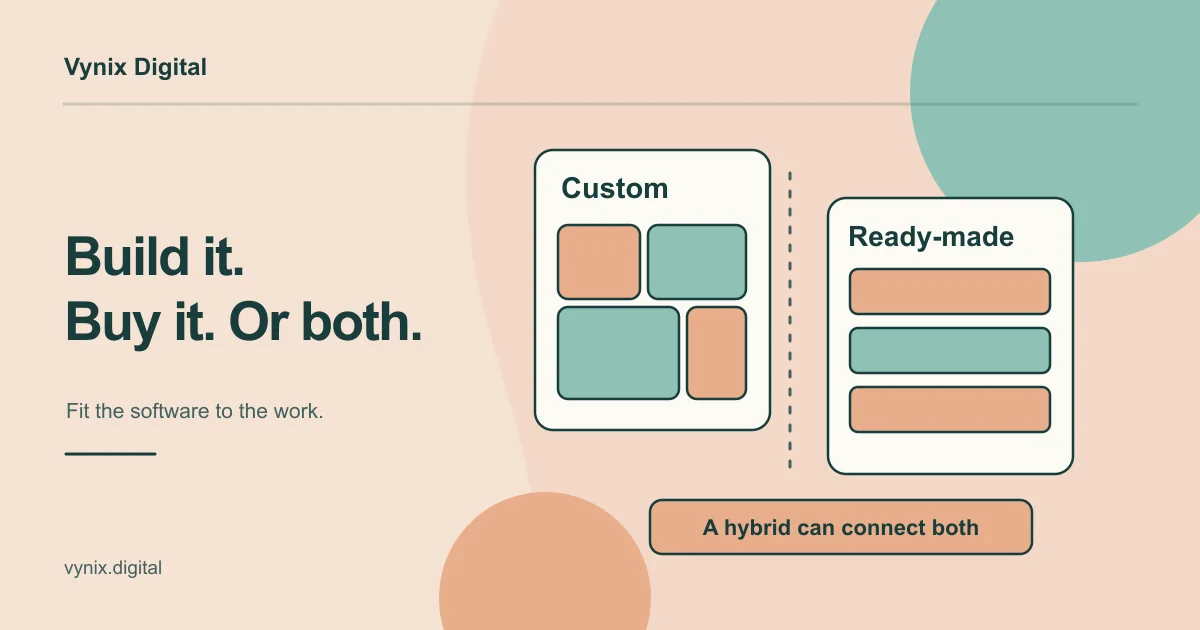
Time spent rebuilding common infrastructure is time not spent on the features that make customers choose you. The sensible default is to buy or use a managed service for the plumbing, and build what makes your product different.
Billing is the clearest example. A provider like Stripe automatically generates invoices, attempts payment collection, and handles payment retries, dunning (the reminders and retries after a failed charge), and subscription status changes (Stripe documentation). Building that yourself means owning edge cases such as card authentication, expired cards, and customers who switch plans mid-cycle.
| Component | Usually buy or use a service | Consider building when |
|---|---|---|
| Subscription billing | Payment and billing providers | Your pricing model is unusual and no provider supports it |
| Authentication | Managed identity services or proven open-source libraries | You have data residency or enterprise login needs a service cannot meet |
| Email and notifications | Transactional email providers | Rarely worth building |
| Product analytics | Analytics tools | Customers need to see usage data inside your product |
| Your core workflow | Rarely available off the shelf | Almost always, since this is your product |
Buying has costs too. Fees grow with revenue, and switching providers later takes work. Keep third-party services behind a thin layer in your code, so a future change touches one place instead of fifty.
Common mistakes founders make in SaaS development
- Treating multi-tenancy as a later problem. Adding tenant separation to a product built for one customer often means reworking the database and most of its queries.
- Starting with microservices. It slows early development and spreads a small team thin across infrastructure.
- Building billing and login from scratch. These are solved problems with many painful edge cases.
- Skipping the admin side. Without internal tools, every support request turns into a developer task.
- Overbuilding before launch. Ten half-used features teach you less than two features customers actually pay for.
- Watching signups and ignoring churn. Signups feel like progress, but retention tells you whether the product works.
- Leaving security for the end. Role checks, encryption, backups, and audit logs are cheaper to design in than to add later.
- Choosing the stack by trend. Pick tools your team can maintain and hire for, matched to what the product actually needs.
Start with the foundation, then build what makes you different
SaaS development means doing two jobs at once: building the features customers want, and building the foundation that lets many customers pay for and use those features safely. Get the foundation right early (tenancy, roles, billing, monitoring), start with a well-structured monolith, buy the plumbing you can, and measure activation, churn, and MRR from the first release.
If you are planning a SaaS product and want help shaping the architecture and building it, Vynix Digital offers custom software development for SaaS platforms, APIs, and backends. Every project starts with discovery, where the stack, data model, and timeline are agreed before development begins. Tell us about your project and we can talk through where to start.