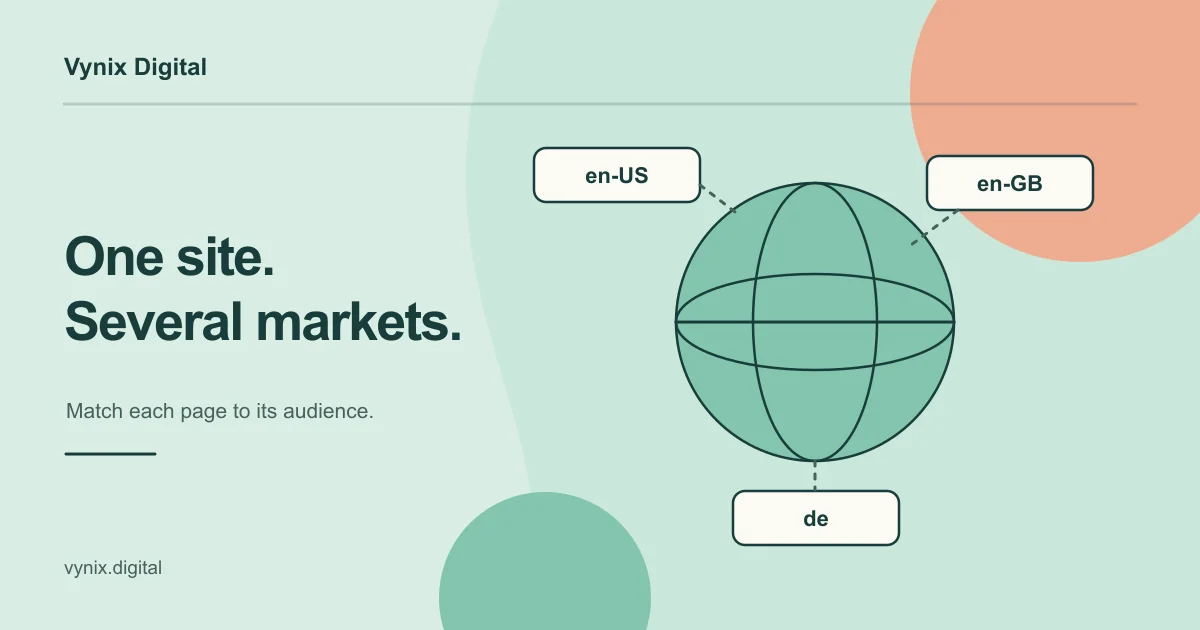
You have customers in more than one country, or you want them. Maybe your US site already ranks well, but UK or German buyers keep landing on pages with the wrong prices, the wrong spelling, or the wrong language. International SEO is the work of making sure each market finds the right version of your site in search.
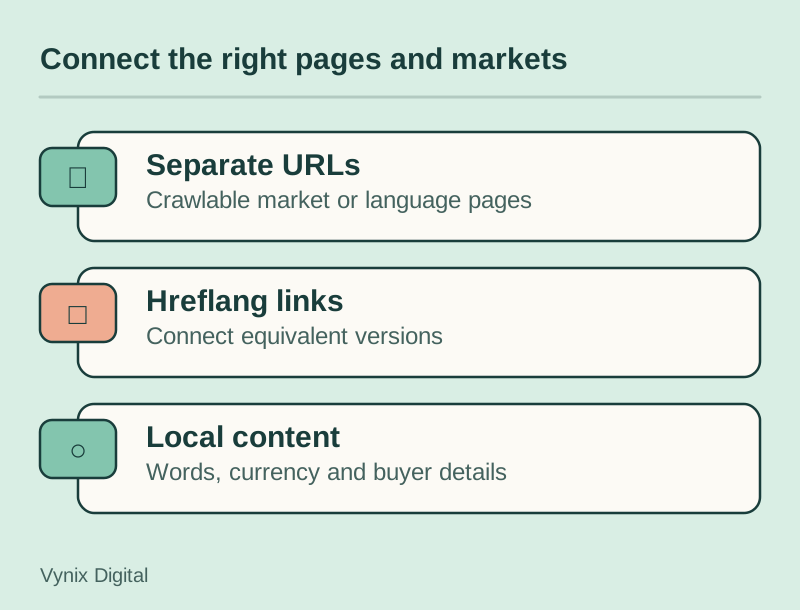
The short answer: decide whether you are targeting countries, languages, or both. Give each version its own URL, connect the versions with hreflang, and localize the content instead of only translating it. This guide is for founders and marketing leads planning that expansion. You will learn how to choose a URL structure, how hreflang works, which local signals Google looks at, and the mistakes that quietly cost rankings.
Country targeting vs language targeting
Before you touch URLs, decide what you are targeting, because language and country lead to different setups.
Language targeting serves people who speak a language, wherever they live. A Spanish help center serves readers in Spain, Mexico, and the US. Country targeting serves people in one market, usually because something changes by country: prices, currency, shipping, legal terms, or the product range.
Many businesses need a mix. An online store selling in the US, UK, and Australia may need three English versions because prices, delivery times, and spelling all differ.
A quick way to decide:
- If only the language changes, target by language (for example,
/es/). - If prices, availability, or regulations change, target by country (for example,
/en-gb/and/en-au/, or separate domains). - If you are not sure a market is worth it yet, start with language targeting and add country versions when the numbers justify the extra upkeep.
URL structure options for international sites
Google’s guide to managing multi-regional and multilingual sites describes four ways to structure international URLs. Here is how they compare.
| Structure | Example | Pros | Cons |
|---|---|---|---|
| ccTLD (country code top-level domain) | example.de | Clearest country signal; server location doesn’t matter; easy to run each market separately | Higher cost and more infrastructure; some countries have strict registration rules; each domain targets only one country |
| Subdomain | de.example.com | Easy to set up; each version can be hosted in a different location; easy to separate | Users can’t tell from the URL whether “de” means a language or a country |
| Subdirectory | example.com/de/ | Easy to set up; low maintenance on one host; one domain to secure, update, and build links to | Users may not read the folder as a country signal; one server location; harder to split off later |
| URL parameters | example.com?loc=de | Little to recommend it | Google lists it as not recommended; hard to segment in reports; users can’t see which market a URL serves |
Choosing a structure
For most small and mid-sized companies, subdirectories are the practical default: one domain, one CMS, one deployment, and reporting you can filter by folder.
A ccTLD makes sense when local buyers expect a local domain or the business in that country runs independently, but each domain is a separate site to maintain and promote. Subdomains suit cases where a regional team runs its own platform or needs hosting in a specific country.
Avoid URL parameters, and avoid switching languages on the same URL based on cookies or browser settings. Google recommends a separate URL for each language version so every version can be crawled.
If you are moving an existing site into a new structure, treat it as a migration: map every old URL to its new home and redirect it. Our guide to website migration without losing SEO walks through that process.
Hreflang basics
Hreflang is an annotation that tells Google “this page has equivalents in other languages or regions, and here they are.” Google uses it to show the right version to each searcher. Its job is routing: a US visitor gets the US pricing page and a German visitor gets the German one.
Three ways to add it
Google’s documentation on localized versions of your pages lists three methods:
<link rel="alternate" hreflang="...">tags in the page<head>.- HTTP
Linkheaders, which are handy for non-HTML files such as PDFs. - An XML sitemap that lists each URL with its alternates.
Google treats the three as equivalent, and using more than one adds no benefit. Here are head tags for a page with US, UK, and German versions plus a fallback:
<link
  rel="alternate"
  hreflang="en-us"
  href="https://example.com/en-us/pricing/"
/>
<link
  rel="alternate"
  hreflang="en-gb"
  href="https://example.com/en-gb/pricing/"
/>
<link rel="alternate" hreflang="de" href="https://example.com/de/pricing/" />
<link
  rel="alternate"
  hreflang="x-default"
  href="https://example.com/pricing/"
/>
The rules that trip people up
- Every version lists itself and every other version. If page A points to page B but B doesn’t point back, Google may ignore the tags.
- Language comes first, region is optional. Language codes use ISO 639-1 (
en,de,es). The region uses ISO 3166-1 Alpha 2 (us,gb,at). A region on its own is not valid. - The UK is
gb, notuk. Google notes thatUK,EU, andUNhave no effect in hreflang. x-defaultis the fallback. It marks the page for users whose language settings match none of your versions, often a language picker or your main international page.- Hreflang doesn’t declare the page language. Google says it uses neither hreflang nor the HTML
langattribute to detect a page’s language. It reads the content, so a “German” page that is mostly English text is still treated as English.
Generate the tags from your CMS or build process instead of writing them by hand, and add hreflang checks to the regular audits in our technical SEO checklist. Getting this right is a core part of our SEO service.
Translation vs localization
Translation changes the words. Localization changes the page so it makes sense to a local buyer, and rankings and conversions depend on it. It usually covers:
- Keywords. People in different markets search with different terms. UK shoppers search for “mobile phone” where US shoppers type “cell phone.” Do keyword research per market instead of translating your English keyword list.
- Currency and prices. Show euros in Germany and pounds in the UK, with local tax treatment where it applies.
- Spelling and tone. American and British English differ enough that buyers notice.
- Proof and practical details. Payment methods, support hours, delivery times, and examples that fit the market.
- Legal pages. Privacy notices, returns, and terms often differ by country.
Keep each page in a single language. Google points out that translating only the navigation while leaving the main content in another language makes for a poor experience. If you use machine translation, have a fluent speaker review your key pages.
Pages in different languages are not duplicate content. Duplication only matters when the same content in the same language lives at two URLs, such as example.de and example.com/de/. Google’s advice is to pick a preferred version with rel="canonical" and use hreflang so the right URL shows.
Local signals that help
Beyond URLs and hreflang, Google’s multi-regional guide lists other signals it uses to understand which market a site serves:
- Local addresses and phone numbers on the page
- Local language and currency
- Links from local sites
- A Google Business Profile, if you have a physical presence
Server location is a weak signal because CDNs blur it, and Google ignores locational meta tags such as geo.position. Spend your budget on localized content and on earning mentions from local partners, directories, and press rather than hosting in every country. Mark up your business details with structured data so they are easy for machines to read; our schema markup guide explains how.
Rolling out a new market
A sensible order of work for each new country or language:
- Validate demand with search volume, competition, and any traffic or inquiries you already get from that market.
- Decide the target (language, country, or both) and the URL structure.
- Localize priority pages first: homepage, main product or service pages, pricing, and contact.
- Generate hreflang automatically and validate it before launch. If your CMS can’t output clean hreflang, raise it with your web development partner.
- Add a visible language or country switcher on every page.
- Monitor results by country in Search Console and fix indexing gaps early.
Common mistakes
- Redirecting by IP address or browser language. Google advises against it. Googlebot usually crawls from the US and doesn’t send language preferences, so it may never see your other versions. Suggest the local version with a banner instead.
- One-way hreflang. Tags without return links get ignored.
- Invalid codes. Using
uk,eu, or a region without a language means the tag does nothing. - Pointing hreflang at the wrong URLs. Reference only live, indexable pages, not redirects or noindexed URLs.
- Literal keyword translation and half-translated pages. Both are covered above, and both are common.
- Launching too many markets at once. Thin pages in eight languages are harder to maintain and usually perform worse than strong pages in two.
Conclusion
International SEO works when each market gets its own crawlable URL, correct hreflang connections, and content written for local buyers. Start with one or two markets, pick a structure you can maintain, and expand once those versions are pulling their weight.
If you are planning an expansion and want help with site structure, hreflang, and localized content strategy, take a look at our SEO services, then tell us about your project and we can talk through the right setup for your markets.